Set Magnitude works as a Multiplier in Mesh Morpher.
It allows users to change the impact of the deltas in a Morph Target by a given value. Values can go both ways, negative to decrease the impact and positive the increase the impact.
You can Set Magnitude for a single Morph Target or multiple Morph Targets by using Ctrl+Click or Shift+Click to select additional Morph Targets in the Morph Targets list.
There are two ways to Set Magnitude of a Morph Target:
- By Right-clicking on the Morph Target you want to change Magnitude for, in Morph Targets list, and select Set Magnitude.
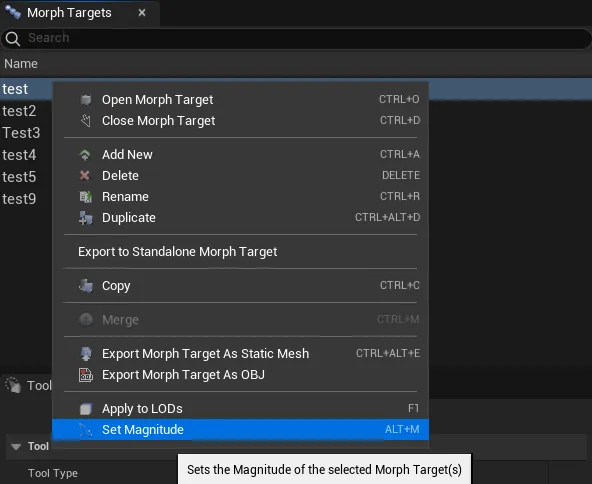
- Navigating to Tools top dropdown menu and clicking Set Magnitude
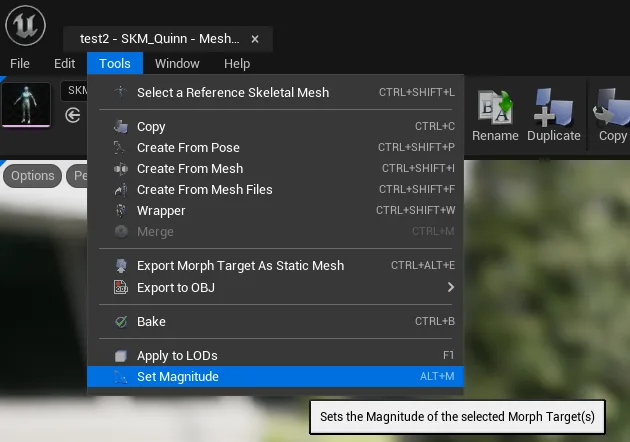
Once the Set Magnitude button is pressed, a dialog box will open, asking for a Magnitude value.
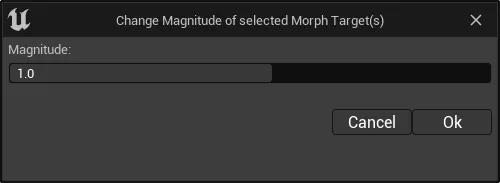
Keyboard shortcut: Alt + M
Set Magnitude allows multi-selection.
Here is an example of how Magnitude Works with both negative and positive magnitude values.
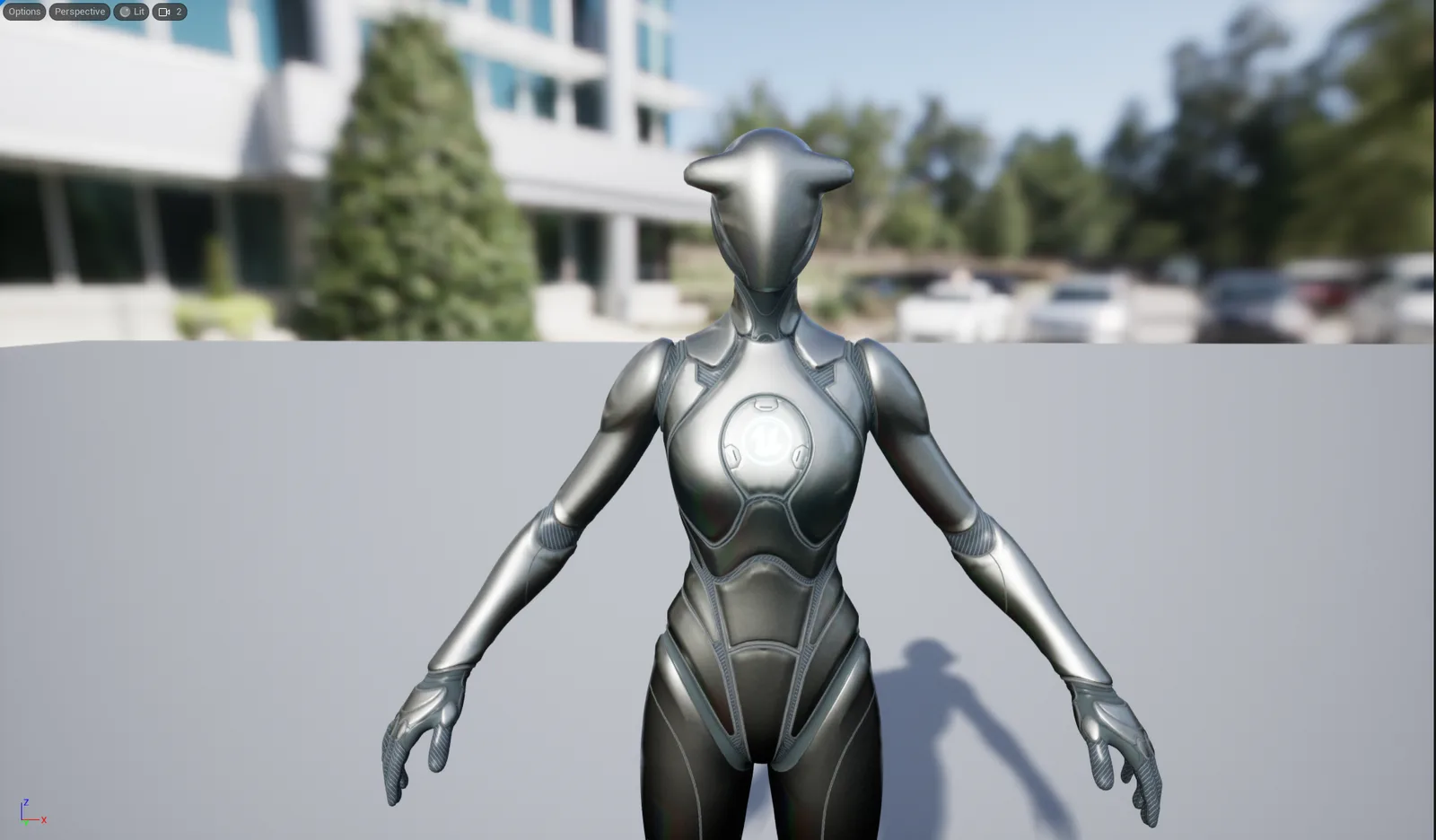
Original Morph Target
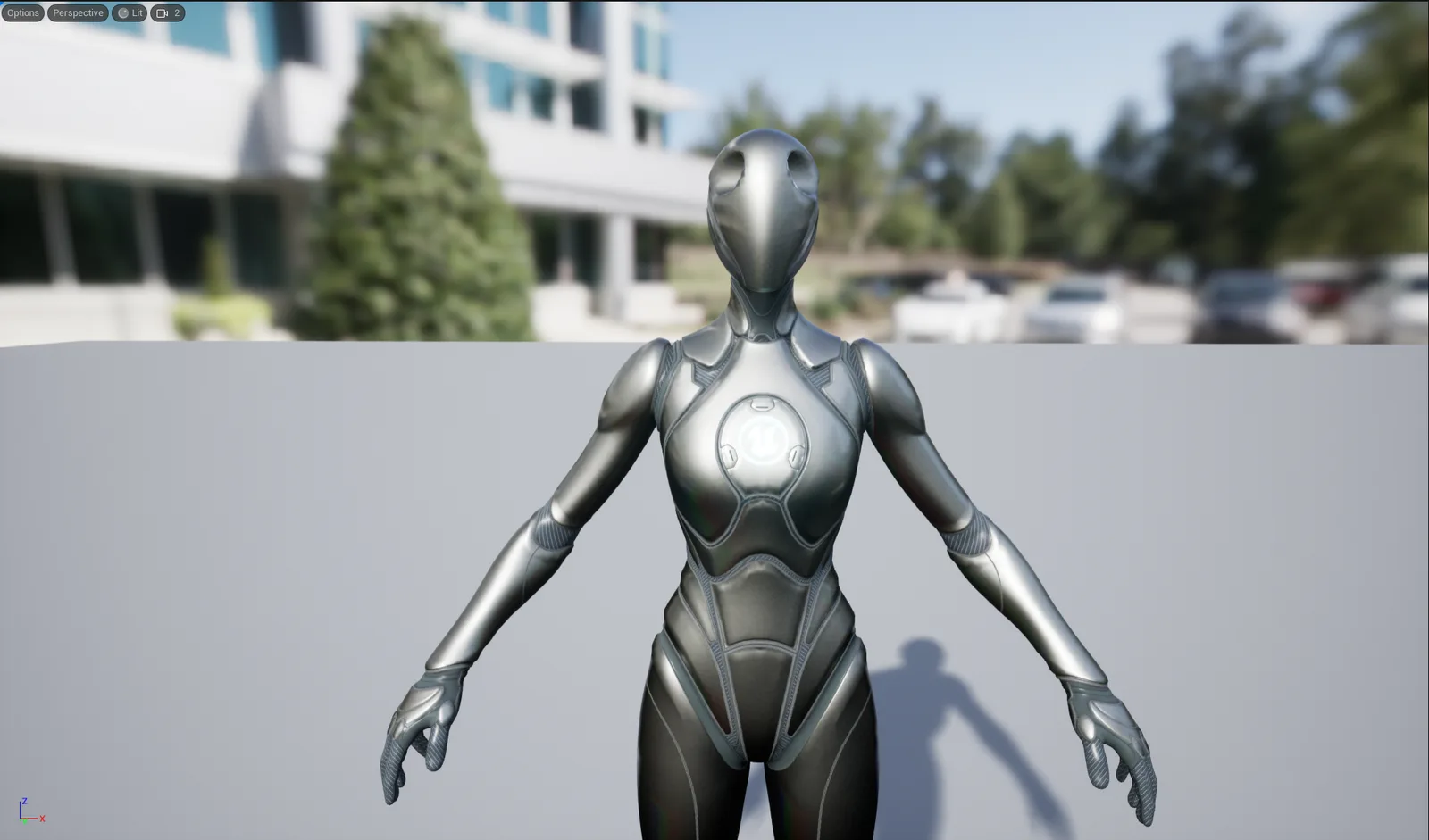
Magnitude: -1.0
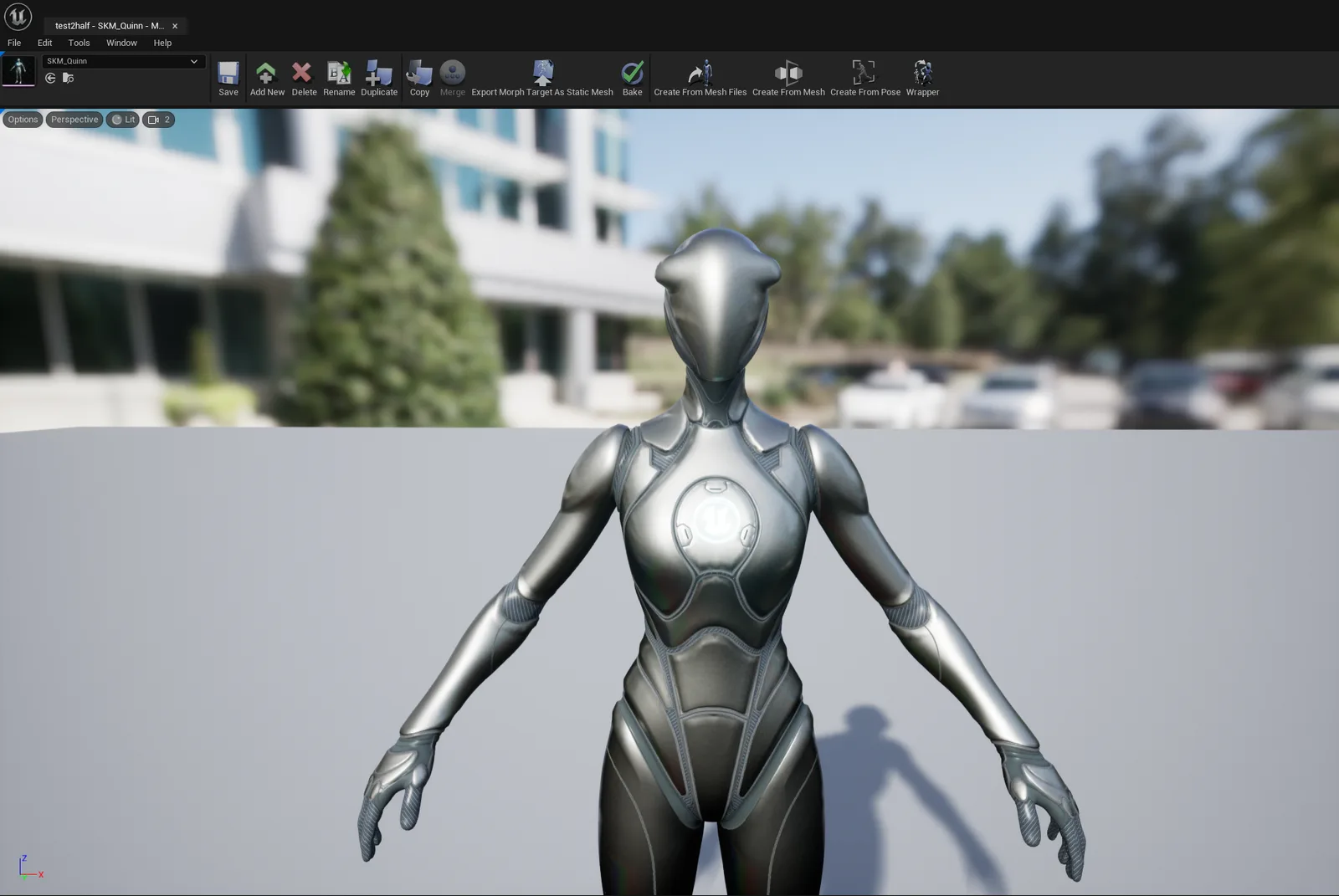
Magnitude: 0.5
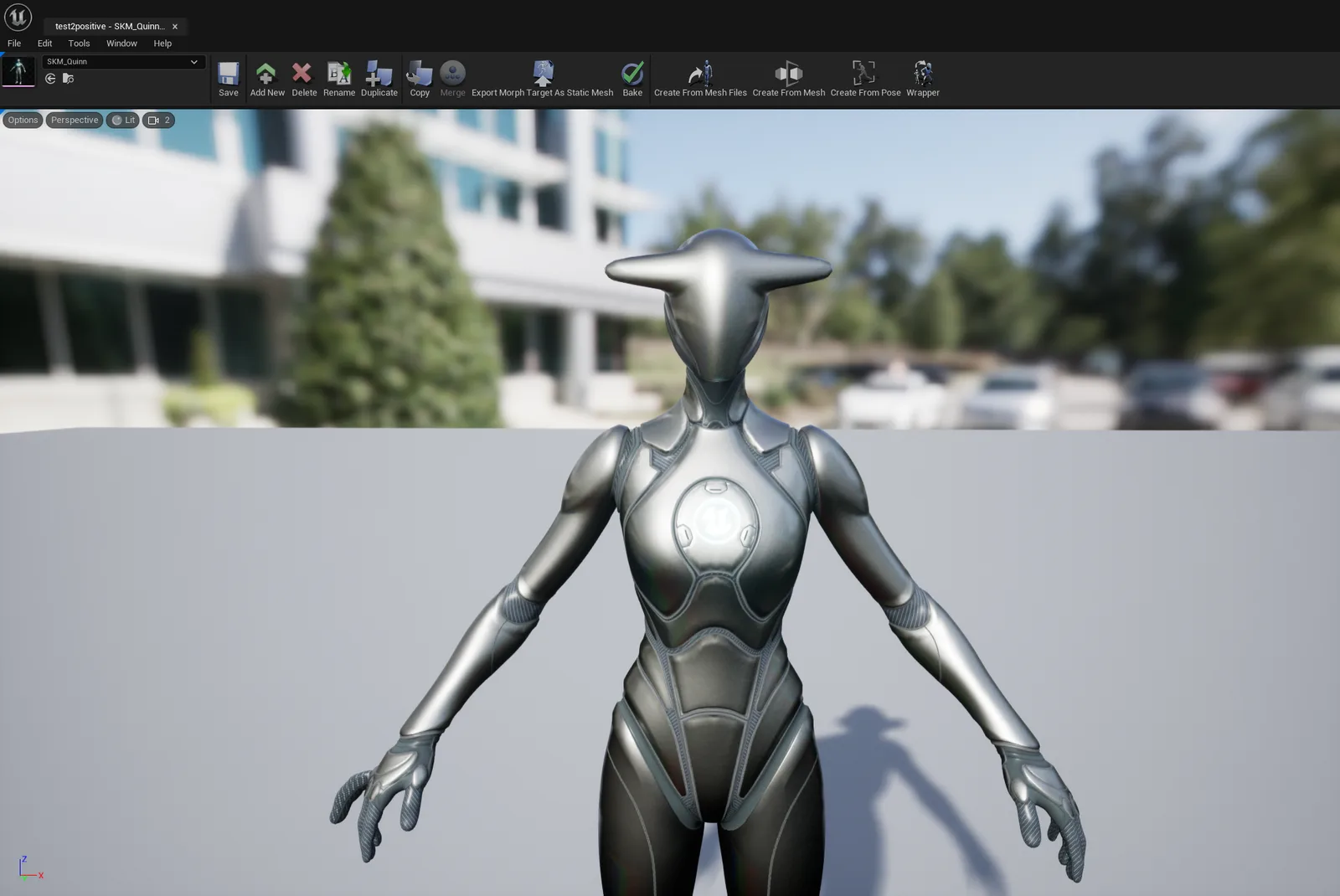
Magnitude: 2.0
Setting Magnitude is irreversible.