There are two ways to unload a loaded Morph Target:
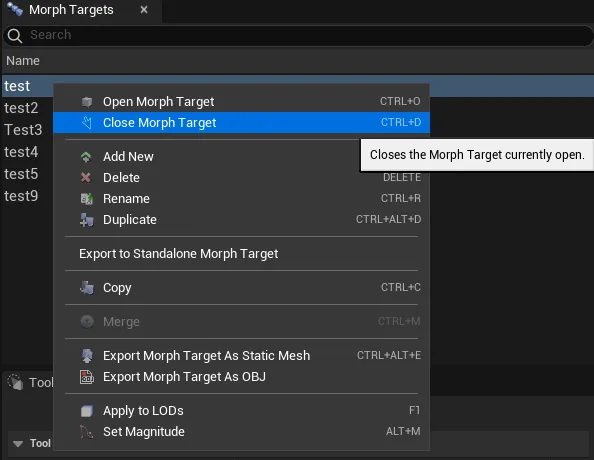
- By right-clicking on the Morph Targets list and select Close Morph Target.
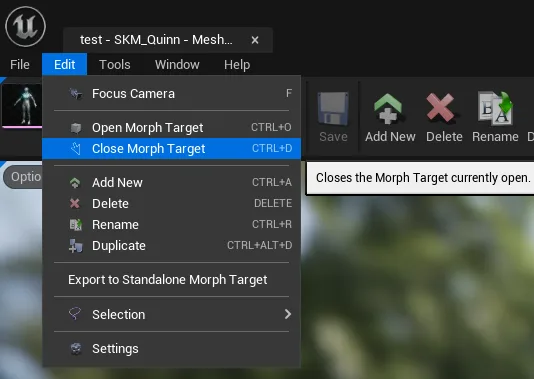
- Navigating to Edit top dropdown menu and clicking Close Morph Target.
If there are any changes to the Morph Target, Mesh Morpher will attempt to save them.
Keyboard shortcut: Ctrl + D
The button is greyed if no Morph Target is loaded.