There are three ways to create new Morph Targets:
- By clicking Add New in Mesh Morpher's toolbar

- By right-clicking on the Morph Targets list and select Add new
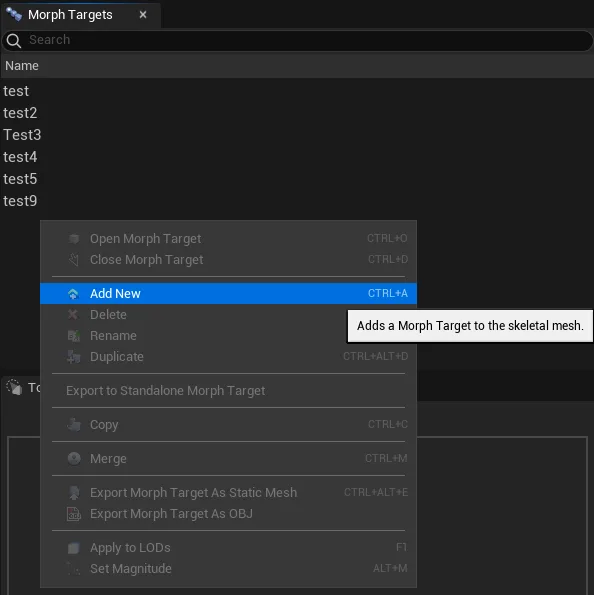
- Navigating to Edit top dropdown menu and clicking Add new
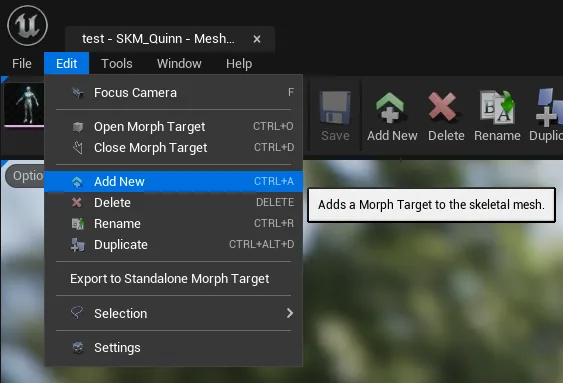
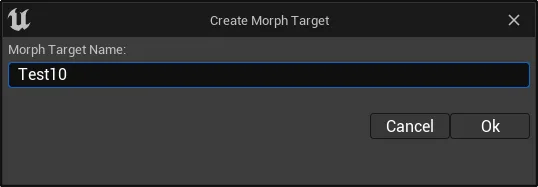
Once the Add New button is pressed, a dialog box will open, asking for a name for the new Morph Target.
If the selected Morph Target name is already in use, a new dialog box will pop asking whether to overwrite or change the name. Pressing Yes will clear and overwrite the existing Morph Target.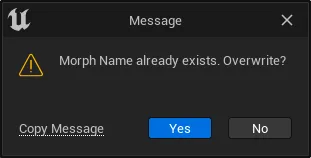
Keyboard shortcut: Ctrl + A