There are three ways to rename Morph Targets:
- By clicking Rename in Mesh Morpher's toolbar

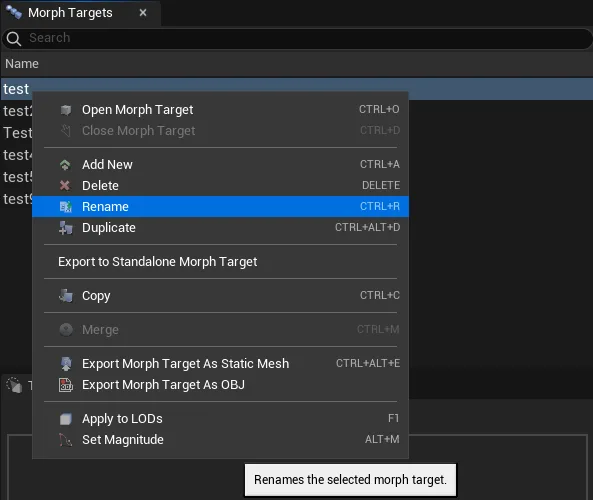
- By Right-clicking on the Morph Target you want to rename in Morph Targets list and select Rename.
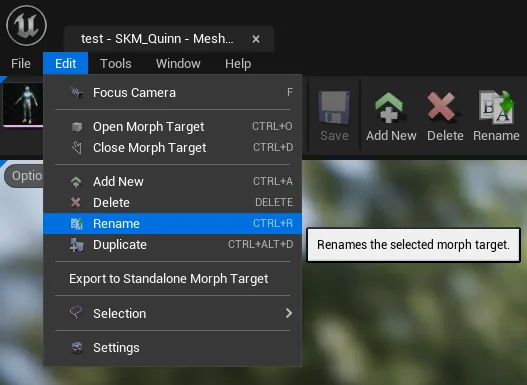
- Navigating to Edit top dropdown menu and clicking Rename
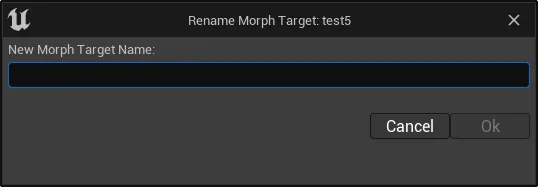
Once the Rename button is pressed, a dialog box will open, asking for a New Morph Target Name.
If the selected Morph Target name is already in use, a new dialog box will pop with the information.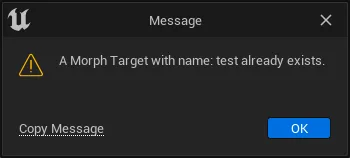
Keyboard shortcut: Ctrl + R
The button is greyed out when there's no selection.
Morph Target renaming is irreversible.
Rename doesn't allow multi-selection.